

Save before publishing
Keep an unfinished Facebook post in Upnext when it needs another review or you simply want to finish it later.
Start a Facebook post, keep its content and selected Pages together, save it before publishing and return later to continue editing from one multi-Page workspace.
Keep unfinished publishing work inside the same Facebook-first workflow.
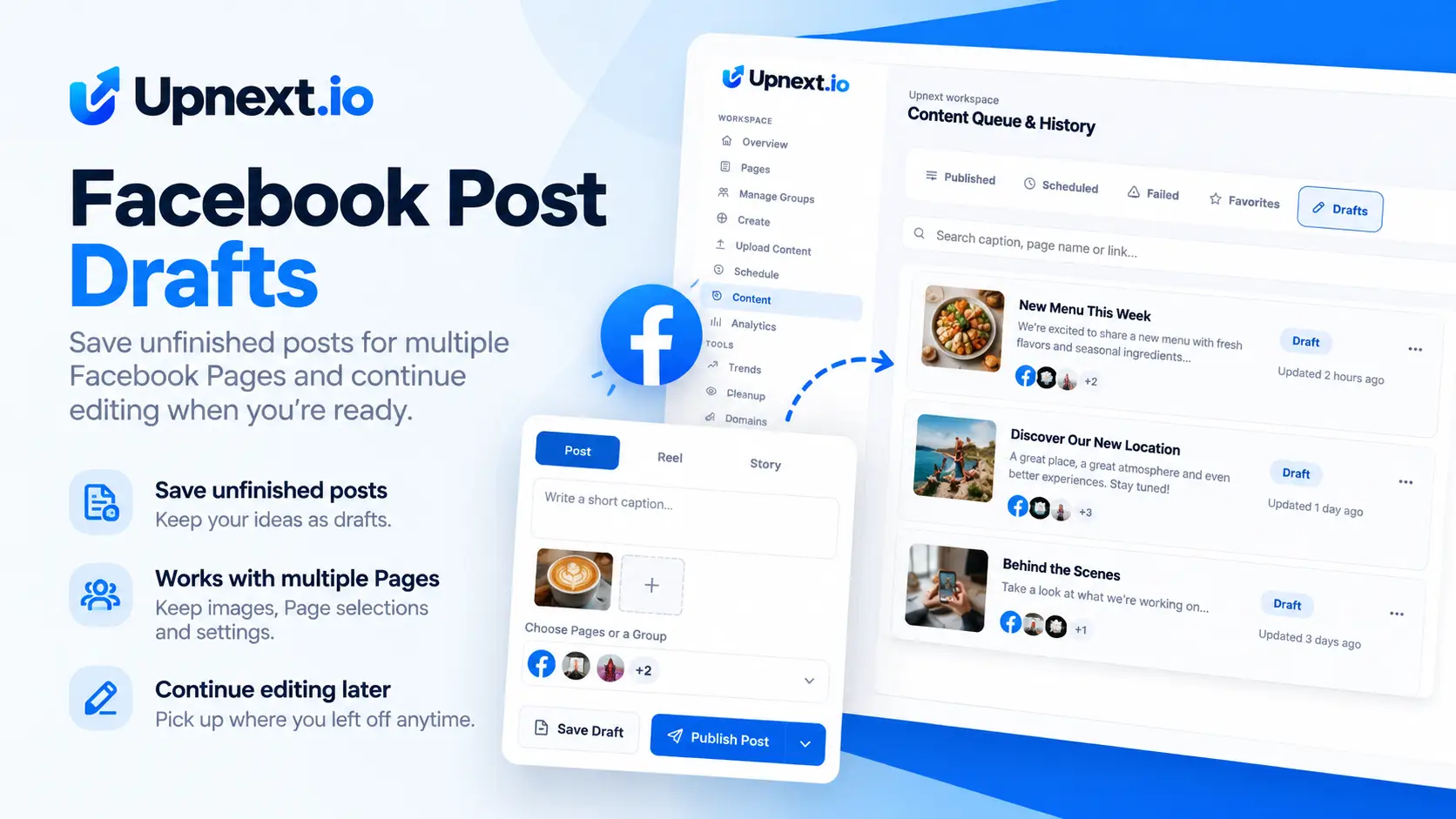
Drafts give publishers a place to stop between creation and distribution. Prepare the publication, keep the selected Pages with it, then return when the content is ready for its final review.
Saved drafts stay visible in the content workflow with the information needed to identify the publication and continue working on it.
Review and manage your Facebook publishing workflow.
Simplified reconstruction of the Upnext Content → Drafts workflow.
Drafts are most useful when they preserve the context needed to resume work instead of becoming isolated notes outside the publishing workflow.
Keep an unfinished Facebook post in Upnext when it needs another review or you simply want to finish it later.
Return to the publication without rebuilding the intended multi-Page selection from the beginning.
Open the saved item from Content → Drafts and continue preparing it before choosing how it should be published.
Create the Facebook post and choose the Pages that should eventually receive it. When the publication is not ready to go live, save the work as a draft instead of forcing a publishing decision.
Drafts are especially useful when a publication is intended for several Pages. The unfinished work can remain connected to its selected destinations rather than requiring the Page selection to be rebuilt later.
Open Content → Drafts to find saved work. Upnext shows the draft in the content workflow and provides a Continue editing action so you can resume preparation.
A draft is a preparation state, not a publishing mode. After reviewing the post, you can continue into the appropriate Facebook scheduling or multi-Page publishing workflow.
Use them to keep unfinished work organized without mixing it with content that is already Scheduled, Published or Failed.
Drafts are one step inside the larger Facebook publishing operation.
Choose a future publishing time after the post is ready.
Explore →Distribute prepared content across the selected Facebook Pages.
Explore →Reuse practical sets of Pages in recurring multi-Page workflows.
Explore →Yes. You can save an unfinished Facebook post as a draft and return to it later from the Drafts view in Content.
Yes. Drafts can retain the selected Page destinations with the unfinished publication so you can continue the multi-Page workflow later.
Saved drafts appear in Content under the Drafts tab, where you can review them and continue editing.
No. Saving a draft keeps the publication unfinished until you return to it and choose the appropriate publishing workflow.
Save Facebook post drafts with their Page destinations and continue editing inside the same multi-Page publishing workspace.
Try Upnext Free →